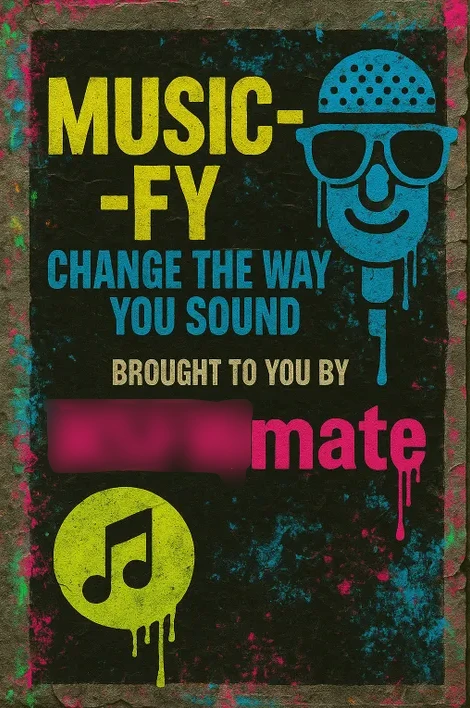
Music-fy — change the sound, vocal, and style of your track (or just the vocal)🎓 Music-fy is your fast lane from “nearly there” to “that’s the one.” Drop in a track or a dry vocal and reshape it in minutes—tone, texture, groove, character—without re-recording or rebuilding your mix.🎤 Change the voice, keep the message. Turn a rough guide into a radio-ready lead with intelligent formant shift and pitch correction that preserve attitude. Push a baritone brighter, smooth a husky take, or anonymise a demo with a clean timbre swap. Breath, sibilance, and grit are handled with smart de-essing and detail-aware dynamics, so words land clearly and sit in the pocket. It works on leads, hooks, ad-libs, stacks, and spoken word.🎛️ Change the style, not the song. The engine blends style transfer, timbre transfer, and genre-aware processing to rebuild the feel around your audio. One click can tilt a hook from UKG swing to deep-tech hypnosis, grime bite to house polish, DnB snap to R&B warmth. Use creative macros—“UKG Bounce,” “Grime Grit,” “Deep Tech Lift,” “90s Garage Warmth”—or open pro controls for micro-surgery when you want to dial it in by hand.🧪 Change the sound, keep control. Split your file into clean stems (drums, bass, vocals, instruments) for surgical moves. Shape punch with transient shaping; sculpt space with mix-safe convolution reverb; add drive with harmonics that sit rather than smear. Need club translation? Switch monitoring curves, check mono compatibility, and export loud, clean, and consistent.🕹️ Typical playsFlip a voice-note into a label-ready topline without calling the singer back.Translate the same chorus into multiple lanes—club house, UKG radio, grime freestyle—then pick the winner.Re-voice a verse to fit range while keeping character.Refresh a back-catalogue: modern punch, lower noise, genre polish.Build clean/, radio/club, or multilingual variants from one source.Repair: tame harsh esses, revive dull takes, stabilise tuning, clear low-mids.🔁 Creative ethics by design. You keep intent and ownership; Music-fy handles the engineering. Work with your own recordings or cleared material, and export session history for credits and splits. Built for house, UKG, grime, R&B, pop, and more.🎯 Why it landsSpeed: audition dozens of “what-ifs” before the kettle boils.Consistency: nail a vocal tone across rooms, mics, and days.Flex: genre morphing without losing songwriting DNA.Translation: checks for club, earbuds, radio, TV in minutes.Ready to hear your idea in its best outfit? Load the file, pick a vibe, audition variants, print stems, and ship. Music-fy turns late-night maybes into release-day certainties—without draining the spark that got you writing in the first place.




![Anime AI Character Image Generation Support [10 Event Image Types]](https://image.cdn2.seaart.me/2026-06-20/d8r8i55e878c73f1sgt0/9efeacd81210c52b3f1577788c0dc01a.webp)